GEOFS MODEL IMPORTER
Bring your custom GLTF/GLB models to life in the GeoFS simulation.
Install Script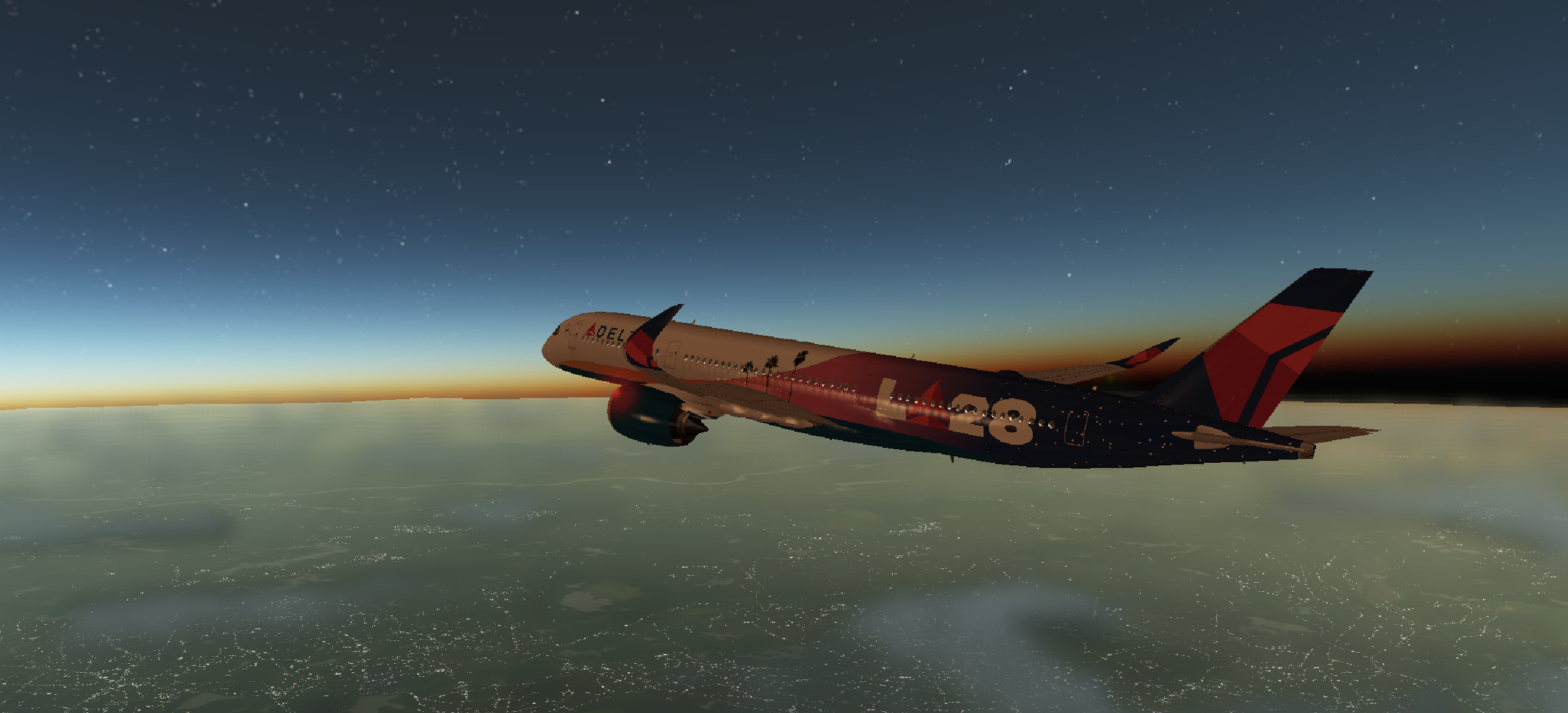
CUSTOM AIRCRAFT MODELS
Replace the default plane with your imported 3D creation.
Bring your custom GLTF/GLB models to life in the GeoFS simulation.
Install Script
Replace the default plane with your imported 3D creation.
GeoFS Model Importer is a powerful UserScript that allows you to easily load and position GLTF (.gltf) and GLB (.glb) models directly into the GeoFS world, giving you complete freedom for custom scenery or aircraft visualization.
Place any model (buildings, vehicles, landmarks) as a **static object** exactly where your aircraft is located, matching the ground elevation and heading.
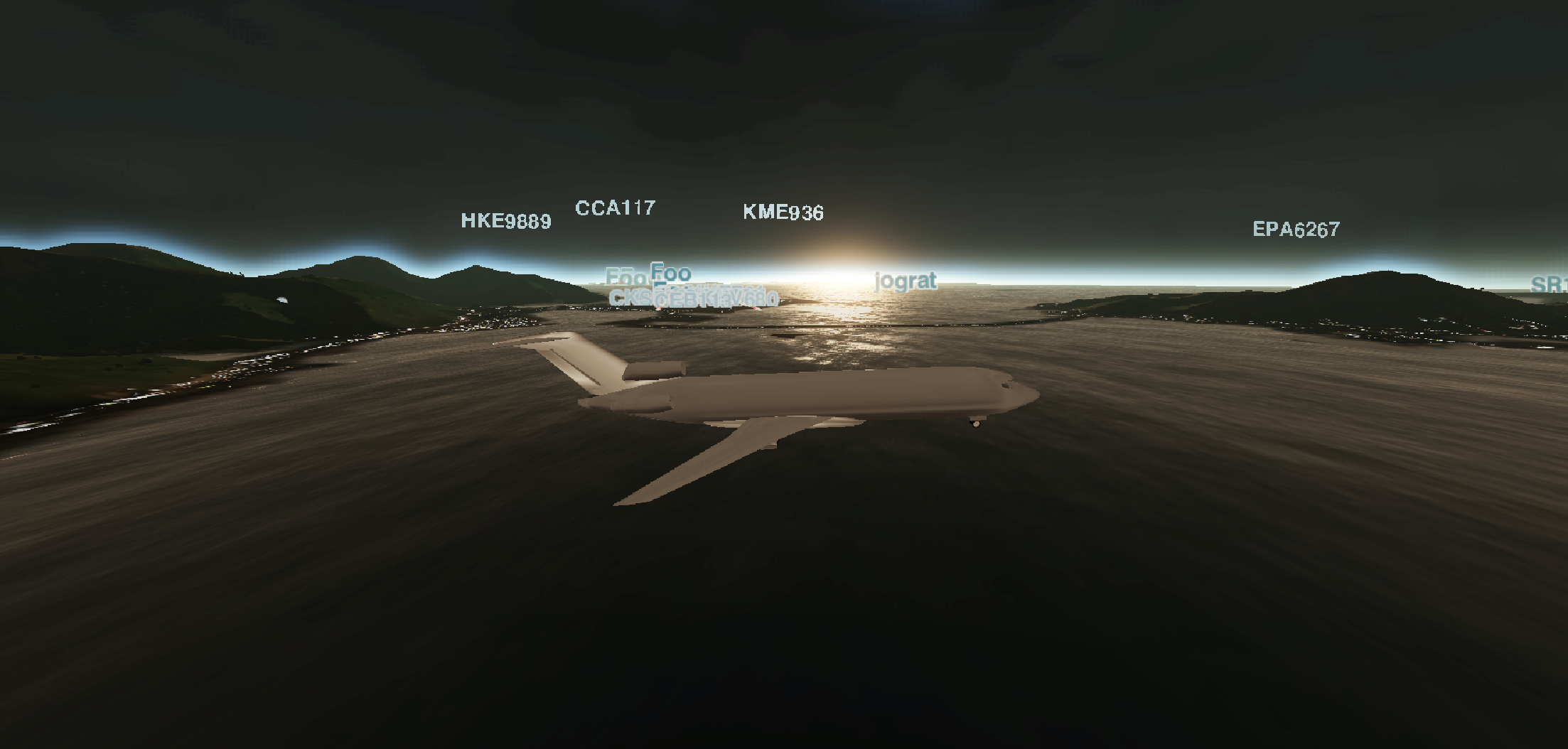
Replace the visual model of your active aircraft. The imported model will dynamically track your plane's position, heading, pitch, and roll.
Adjust the model's scale on the fly using the dedicated slider, and optionally visualize the Center of Mass (CoM) with a toggleable marker.
GeoFS Model Importer is a UserScript, requiring a browser extension manager like Tampermonkey or Violentmonkey to function.
Install one of the following browser extensions: Tampermonkey (Recommended) or Violentmonkey.
Click the button below to install the script directly into your manager:
Install GeoFS Model Importer ScriptCurrent Version: 1.2.1
Credit: Coolpilot11 for the Delta LA28 Olympic Livery on the Carousel Image